MyHealthONE: Manage Your Health Records Easily
Welcome to MyHealthOne patient portal. Your health information has been centralized in one place, on the secure, online health portal. MyHealthOne is designed to simplify and streamline your experience, and empower you and loved ones to have more control and flexibility in how you manage your care.
MyHealthOne permits access to a loved one’s health information. Both you and the patient for whom you’re giving care will need to permit the connection of accounts.
MyHealthONE Overview, Features, and Benefits
MyHealthONE is a secure online patient portal that lets you manage your healthcare easily—view health records, see discharge instructions, schedule follow-up appointments, pay bills, and more features and benefits.
MyHealthOne consolidates many common tasks into one secure, easy-to-use online patient portal. It gives you access to your personal health information on your desktop computer, laptop, tablet, or smartphone 24 hours a day.
MyHealthONE Benefits
MyHealthONE is a web-based health and wellness portal accessible through your computer or smartphone. It’s a perfect way to manage your health and stay in control of your care, and allows you to;
Find a Doctor: Find A Doctor enables you to search across our network of available providers.
Classes & Events: Classes and Events lets you search our network for available classes and events. You can register for a class or event, pay for it, and receive a registration receipt and a confirmation email.
Manage Your Health Information: Manage your health by viewing hospital visits, hospital lab results, and your health profile. You can also pre-register for hospital procedures, pay your hospital bills, and manage the health of your loved ones.
MyHealthONE Features
MyHealthONE makes it possible to view, share, and manage your health and the health of a loved one, anytime, anywhere. Below are the features that are available in MyHealthONE to help me manage my care.
Hospital Visits:
- Access your health information from the past 24 months
- Create a proxy relationship for hospital medical records so you can manage the health of a loved one
- Pay a hospital bill
- Schedule an inpatient or outpatient procedure, labor and delivery appointment, or mammogram
- Register for classes such as prenatal and birthing care, first aid, stroke care, smoking cessation, and more
- Share records with a physician or proxy
Physician Office Visits:
- Make an appointment with your primary care physician or a specialist
- Access your health information
- Share records with a physician or proxy
- Pay a physician’s office bill
Urgent Care Visits:
- Access your health information from the past 24 months
- Create a proxy relationship to manage a loved one’s urgent care medical records
- Share records with a physician or proxy
How to Create MyHealthOne Account
- To create your account, locate and click the “Create an Account.” link and pick your username, password, and designated email address. Then we will send you an email stating your account was successfully created. If you do not see this email in your inbox within ten minutes, check your spam folder.
- Once you’ve successfully logged in, we will ask you a few questions to verify your identity and gain access to MyHealthOne
How to Set Up MyHealthONE Proxy Access
To create an account for someone other than yourself, or to allow someone else to view the information in your MyHealthONE account, you will need to set up proxy access.
Please select the form on the MyHealthONE Proxy Access that reflects the patient’s age and follow the instructions on the first page, or, while in the hospital, ask any registration team member for the appropriate form and complete it before leaving the hospital.
MyHealthOne Patient Portal Login
Waiting for lab results can be nerve-wracking, but with MyHealthONE, you no longer have to endure long waits for the information you need. As soon as your lab results are available, you can view them on the web.
This feature enables you to stay proactive about your health, discuss results with your healthcare provider, and make informed choices about your care. Follow the steps below to access your account.
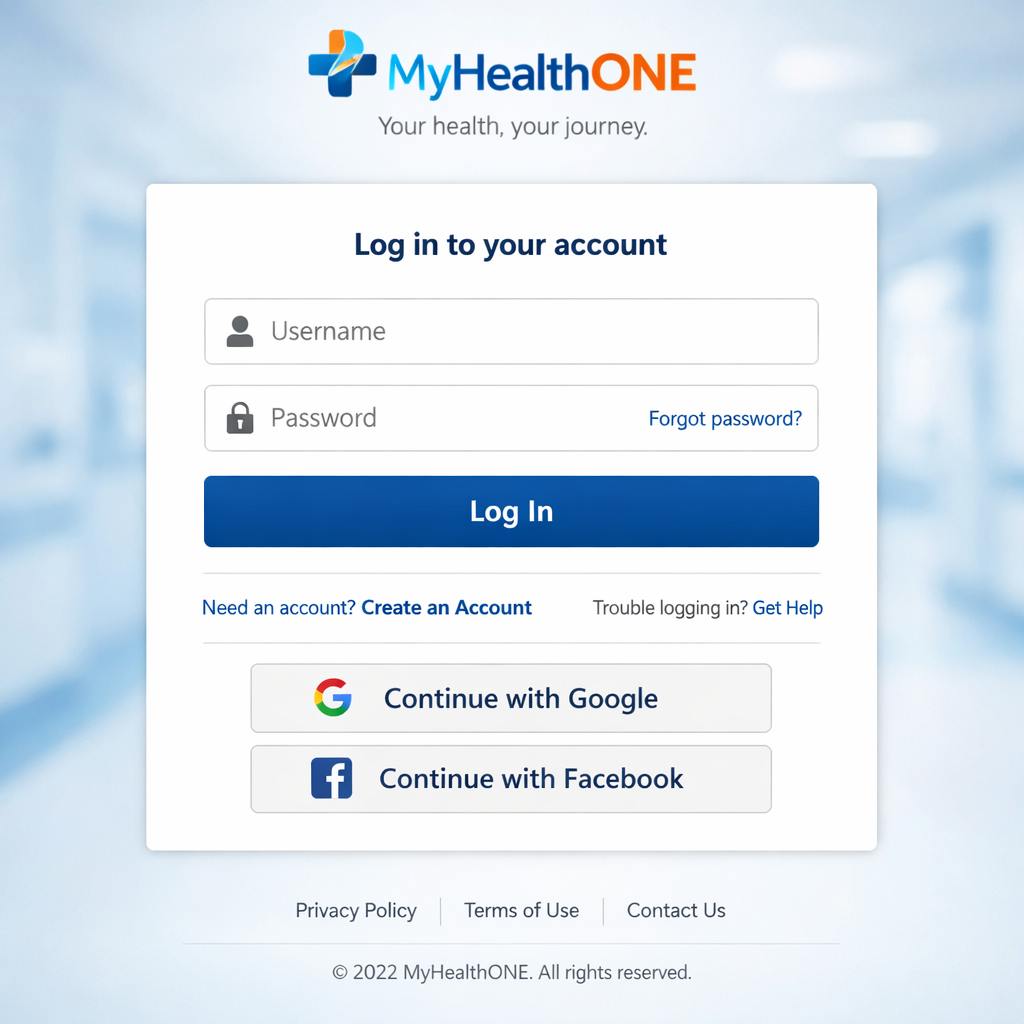
1. Go to the MyHealthOne patient portal login
2. Enter your user name and password (which you can find on your patient ID card or in your medical record)
3. Click on “My Health Record” on the right-hand side of the screen
4. You will see a list of all of your records in the portal
5. To access any record, simply click on it!:
Remember to always keep your username and password confidential, as they are needed to log in to the portal from other devices or computers. If you ever need to reset your password, please click on “Forgot Your Password?” There you will be able to enter your username and new password.
MyHealthONE App Login
HCA Healthcare patients can now hold their healthcare journey in the palm of their hand with the launch of the new MyHealthONE app.
With more than two million total user accounts, the MyHealthONE desktop platform has been an integral part of HCA Healthcare patient care for the past five years. The mobile app, launched this June, gives users the ability to safely view health records and message care teams directly from a smartphone.
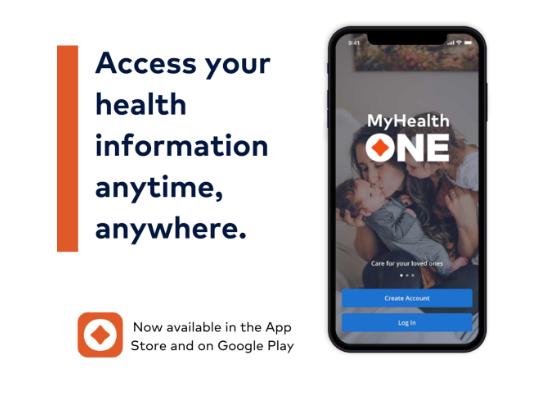
Visit the App Store or Google Play Store to download the MyHealthONE app.